5 Signs Your Small Business Website Needs a Rebuild
By Lauren Burrell · · 3 min read
How do you know when your business needs a new website? There are five clear signs, and you can check for all of them in about a minute: a "Not Secure" warning, stock photos, buried credentials, leftover template text, and a site that's hard to use on a phone.
I found these by looking through more than twenty small business websites around Dallas and Amarillo. Engineering firms, contractors, consultants. Good businesses, most with years of experience and real work to show for it.
Almost none of their websites showed it.
Here's what each sign looks like, how to check for it, and what to do about it.
1. Your browser says "Not Secure"
If there's a warning next to your web address, visitors see it before anything else. It tells people the site hasn't been looked after.
Quick check: Look to the left of your web address. You want a lock icon, not a warning.
The fix: Your site needs a security certificate, which most hosting companies include for free. Ask whoever hosts your site to turn it on.
2. The photos aren't yours
A handshake. A stack of paperwork. A skyline. Stock photos fill space, but they don't show what you do. One real photo of your work says more than ten stock ones.
Quick check: Count the photos on your homepage that show your own work, team, or location.
The fix: Take a few photos of finished projects, your team, or your shop. Phone photos in good light beat stock images.
3. Your best credential is hard to find
I saw awards, certifications, and five-star reviews sitting at the very bottom of the page, or missing from the site completely. If something sets you apart, it belongs at the top.
Quick check: Open your homepage and don't scroll. Can you see the thing you're proudest of?
The fix: Pick the one or two things that set you apart and move them to the top of your homepage.
4. There's leftover template text
Sample sentences, placeholder buttons, a holiday banner from last year. These slip by when you're busy running a business. Customers notice them.
Quick check: Read every word on your homepage out loud, buttons and banners included.
The fix: Rewrite or delete anything you didn't write yourself. If a section has nothing real to say, remove it.
5. It's hard to use on a phone
Most people will first see your site on their phone. If they have to pinch and zoom to read it, many of them will leave.
Quick check: Pull up your site on your phone and try to find your phone number in ten seconds.
The fix: Older sites often can't be patched to work on phones, because the layout has to be built for small screens from the start. This is the sign that most often means a rebuild.
How did your site do?
- 0 or 1 signs: You're in good shape. Fix the small stuff and move on.
- 2 or 3 signs: A refresh would make a real difference.
- 4 or 5 signs: It's time for a rebuild.
Refresh or rebuild?
A refresh keeps the site you have and fixes what's on it: new photos, updated text, a security certificate. A rebuild starts over with a new design and structure.
If your site works on a phone and you can update it yourself, a refresh is usually enough. If it doesn't, or if every small change means calling someone, a rebuild will save you time and money in the long run.
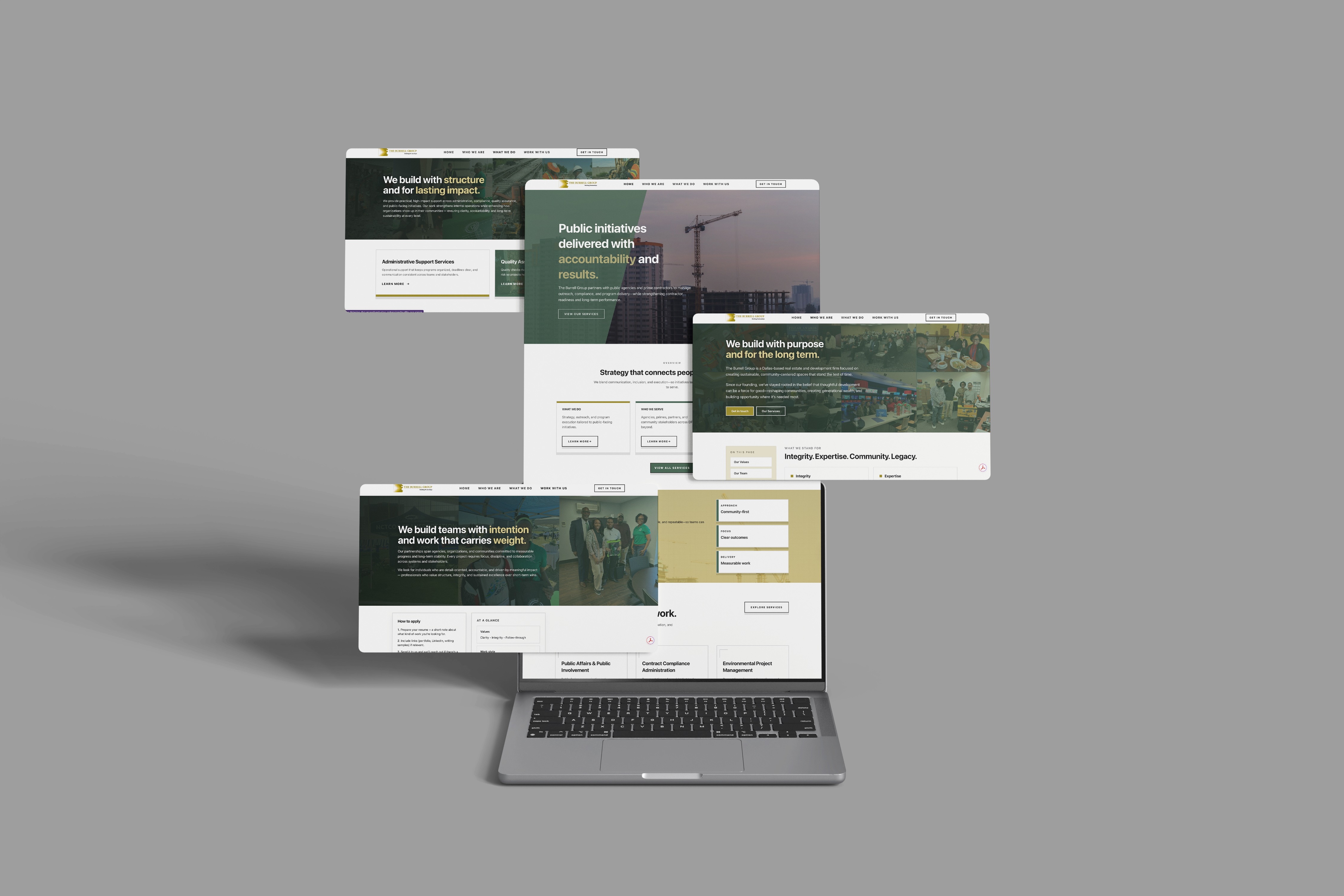
For an example, see the site we built for The Burrell Group, a consulting firm that moved from a template builder to a custom site.
None of this means your business is doing anything wrong. It means your website hasn't kept up with you.
A rebuild doesn't have to be a huge project or come with a huge price. At Thrive Creative Studios, we offer affordable web development for small businesses that want to look as good online as they are in person, including businesses in Amarillo.
Not sure where your site stands? Send it our way and we'll tell you what we'd change.