SafeSpace
A safe space patients can open their eyes into
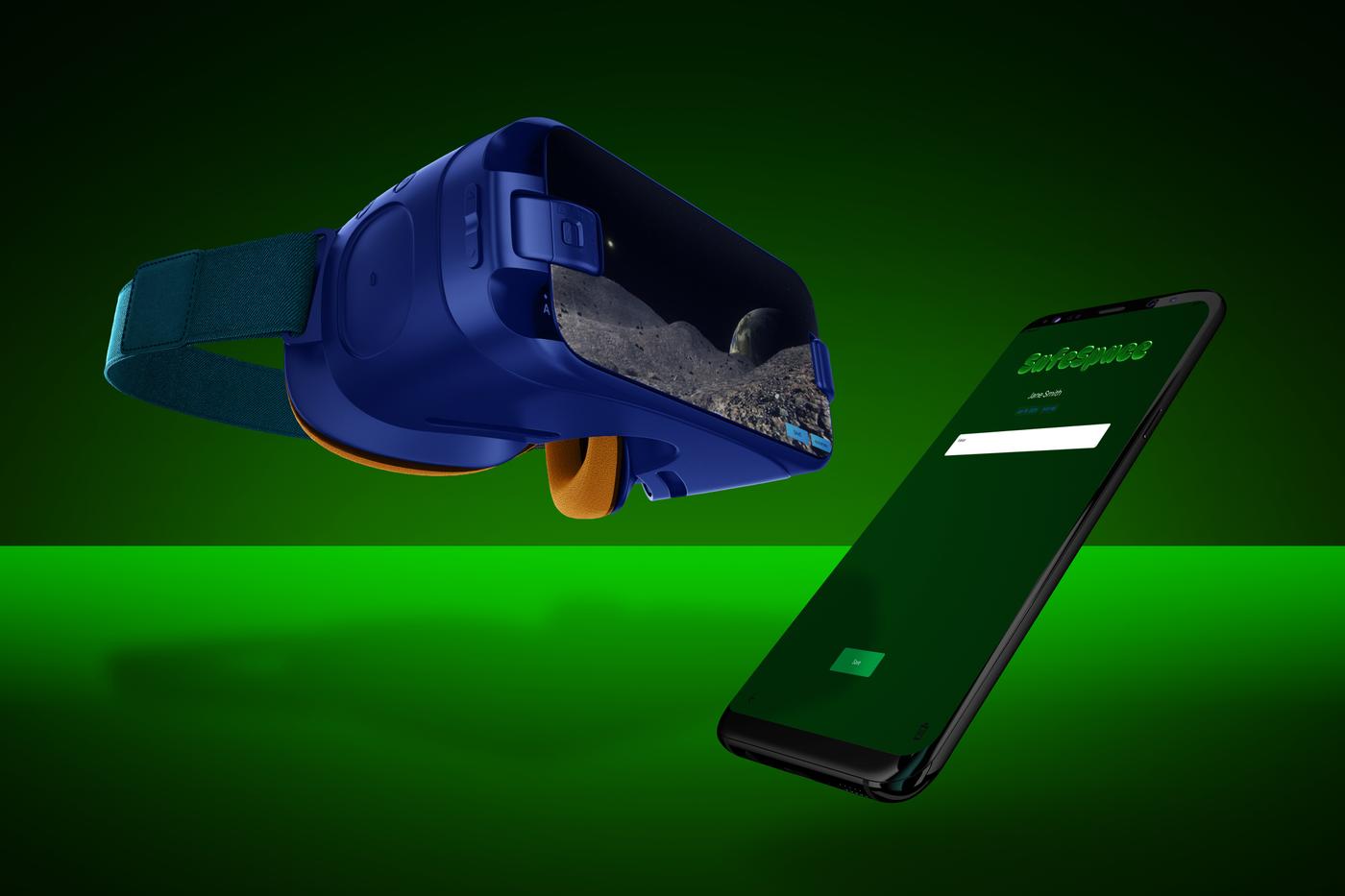
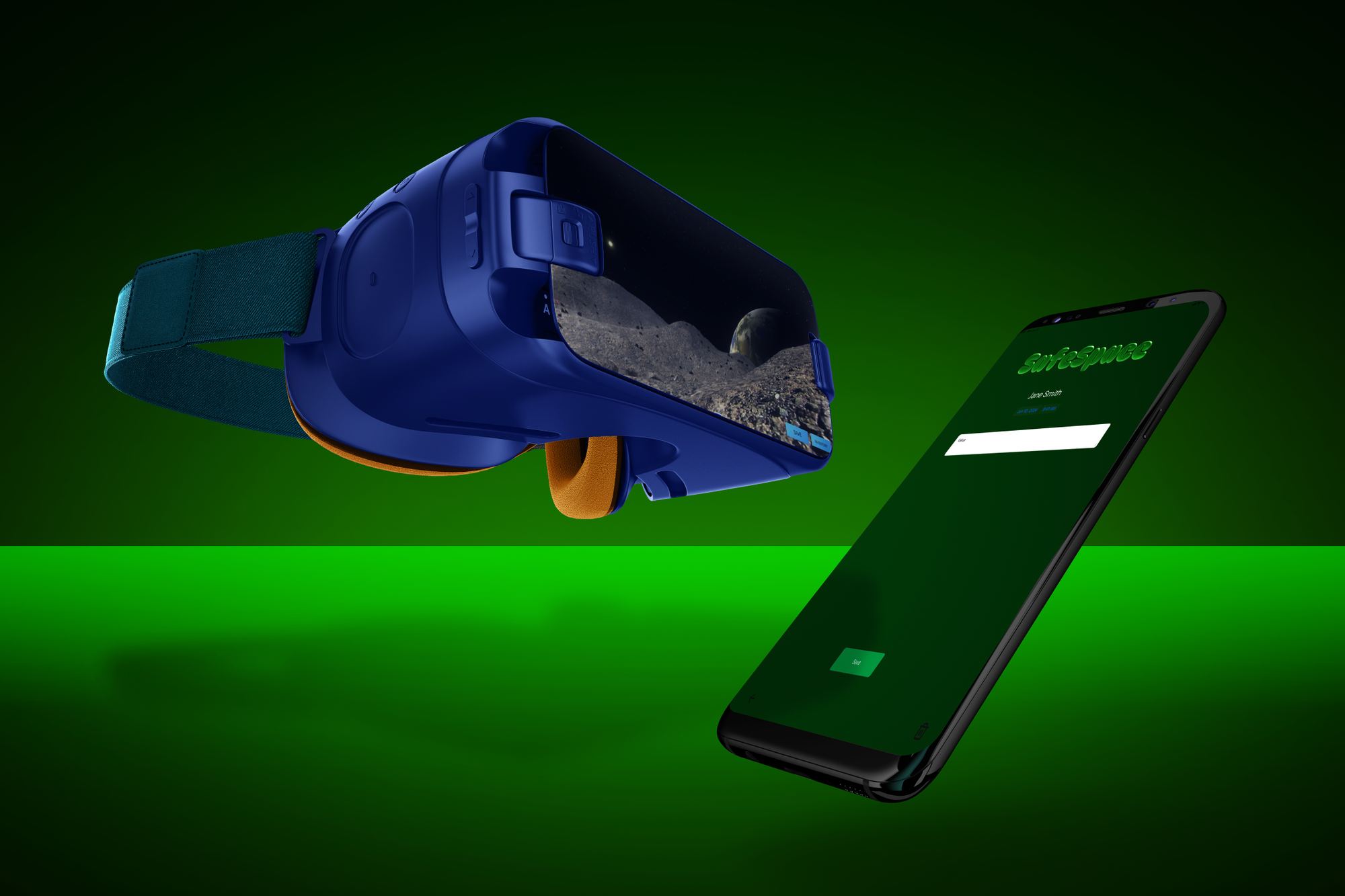
SafeSpace is a two-part therapy tool for hypnotherapy sessions: a virtual reality space each patient builds for themselves, and an iPad app where the therapist keeps session notes. Lauren led the five-person team that planned and built it, and designed and developed the therapist app.
Overview
In hypnotherapy, a therapist asks the patient to picture a "safe space" — a beach, a house, a place in the mountains — and uses it as an anchor. When a memory gets too heavy, the patient is told to go back there.
Therapists noticed that some patients can't. Under stress they lose the picture, and with it the anchor. SafeSpace was built around that one problem: instead of re-imagining the space, the patient opens their eyes inside a VR headset and is already there.
Connected apps: a VR space for patients, an iPad app for therapists
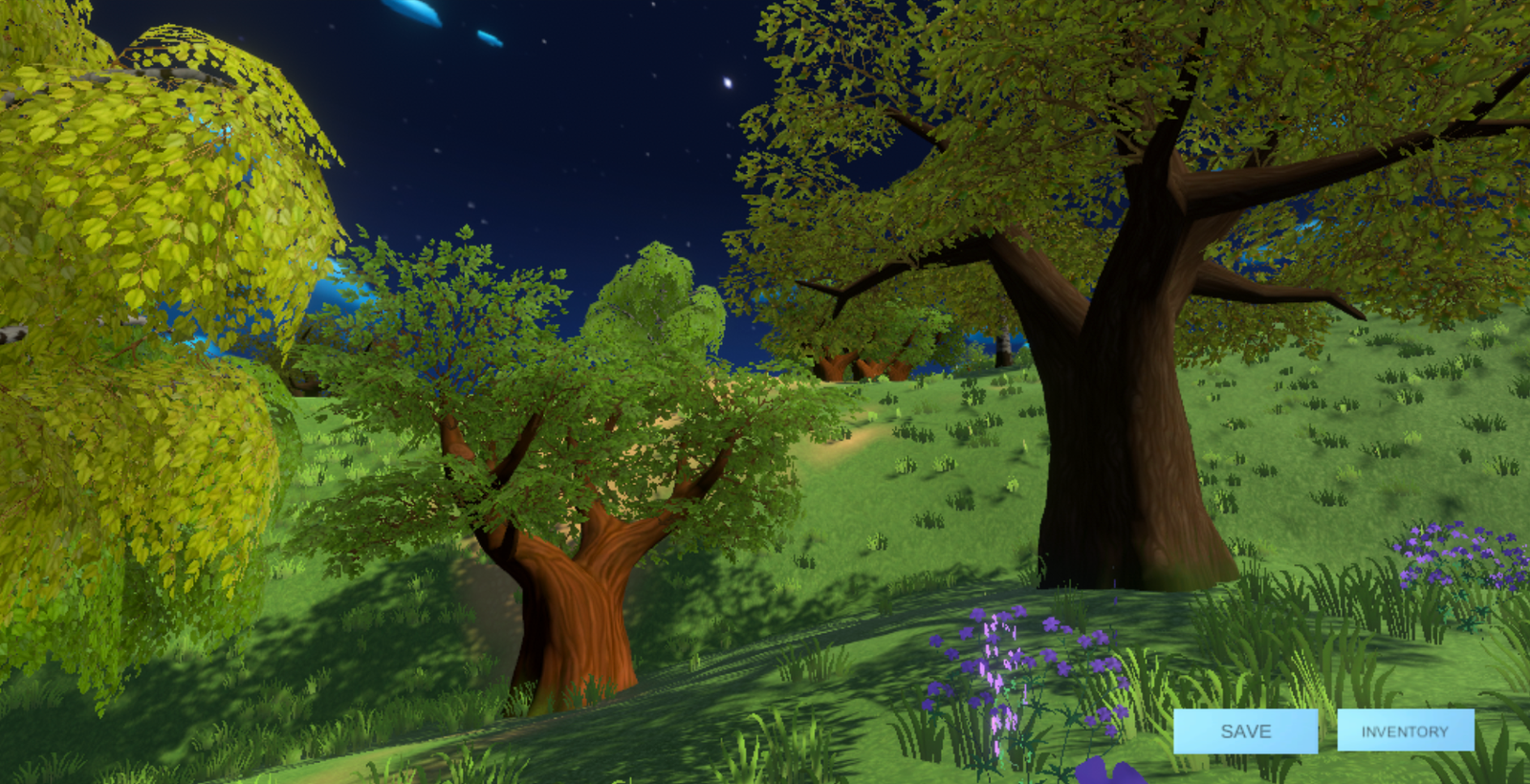
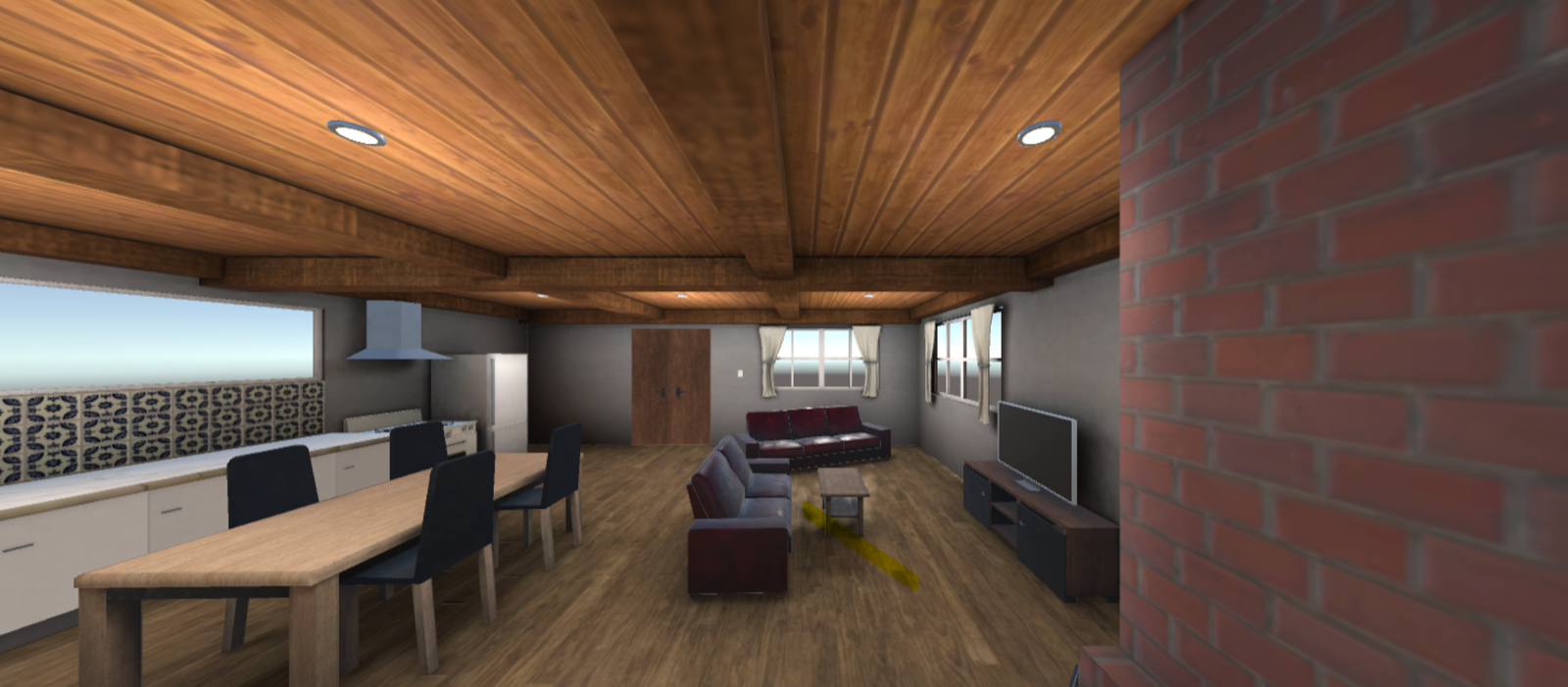
VR environments: a forest, a house and the moon
Therapist app screens designed
People on the team
The challenge
The idea only works if both people in the room are served. The patient needs a space that feels like theirs. The therapist needs to take notes without breaking the session, and patient records have to stay private.
Make the space the patient's own
Patients choose an indoor or outdoor environment and arrange furniture, plants and decor in it, then save it to return to.
Keep the therapist in the session
A simple notes screen the therapist can use while the patient is in the headset, with a session timer.
Protect patient records
Separate sign-ins for therapists and office administrators. Administrators can view session notes but cannot edit them.
Tie it together
One database holds each patient's saved space and their therapist's notes, so both apps read from the same place.
The approach
The project ran over two semesters, from proposal to a working build.
- 01
Research
Lauren spoke with certified hypnotherapists and with patients about the moment the safe space slips away, and reviewed existing VR therapy products such as Amelia VR and AppliedVR. None of them let patients build their own space for use inside a session.
- 02
Requirements and use cases
The team defined who does what — therapist, patient, administrator — and mapped each task in use-case and sequence diagrams, including where a sign-in is required.
- 03
System design
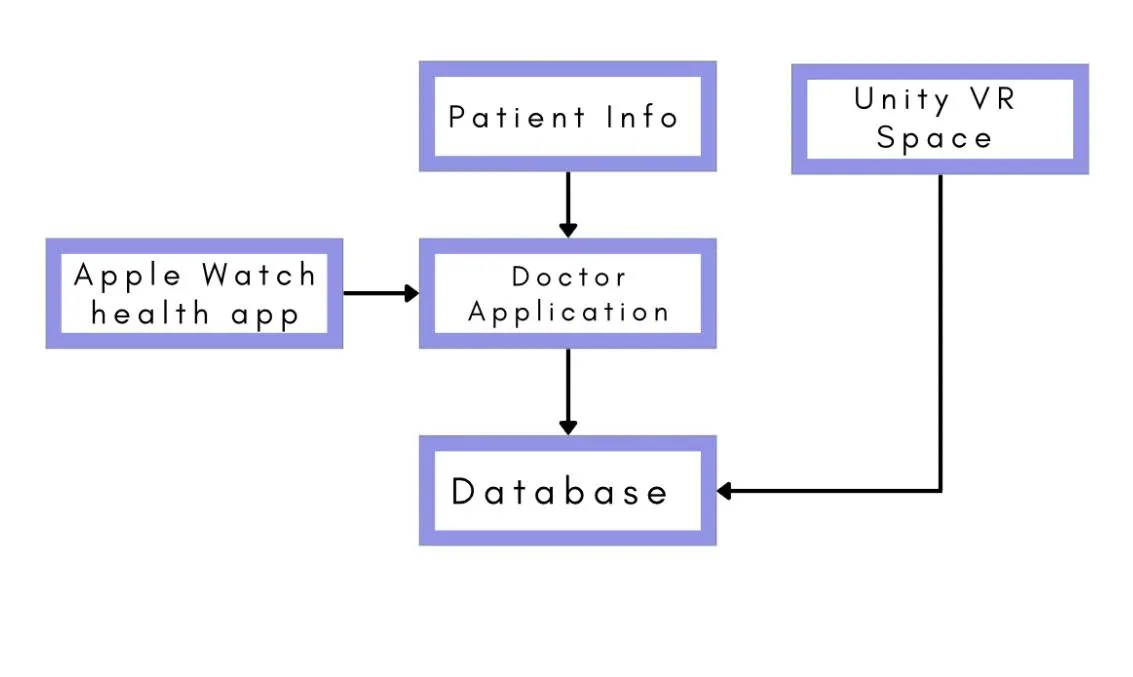
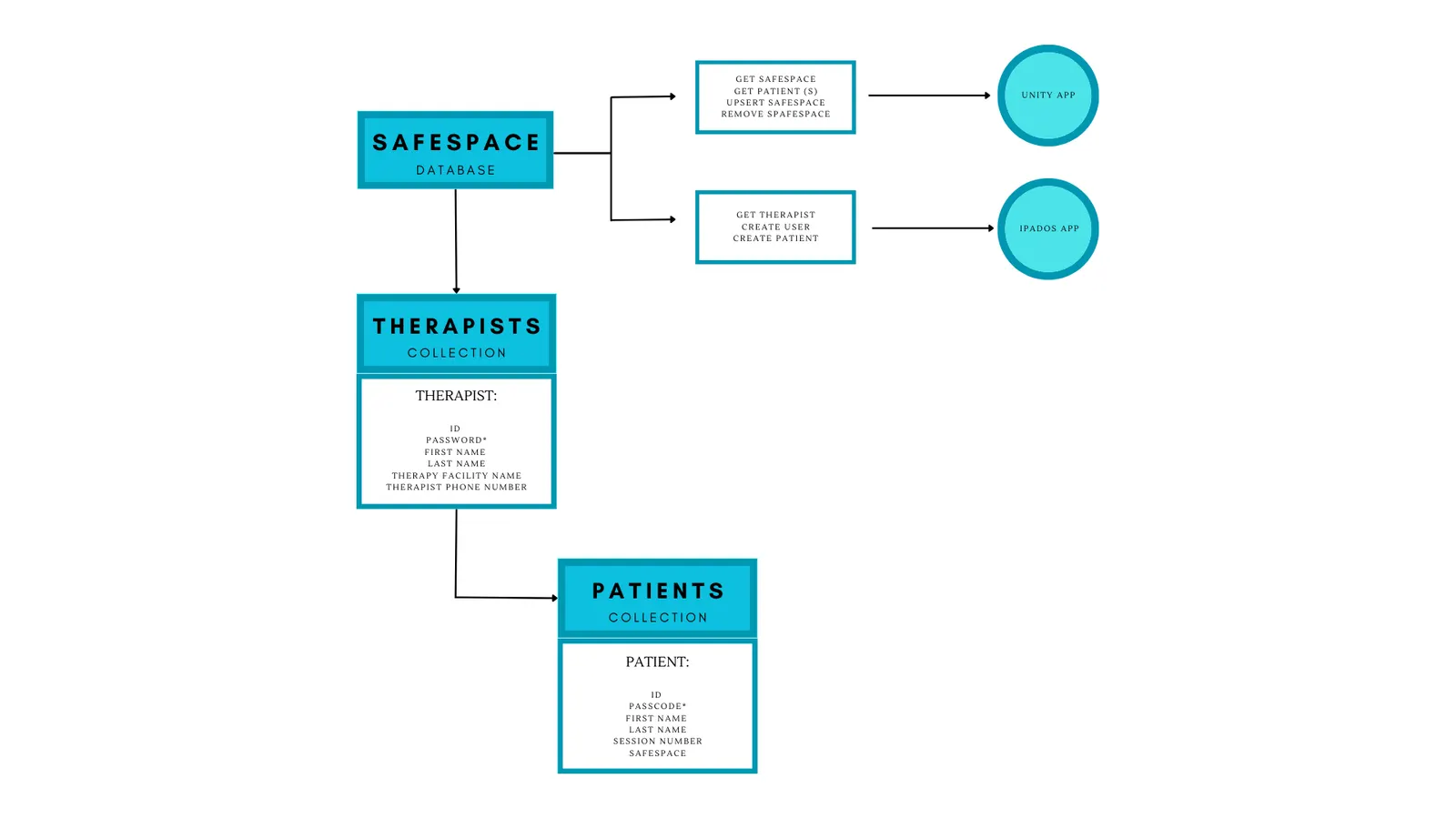
A model-view-controller layout with the database at the center: the Unity VR space and the therapist app both read and write through it.
- 04
Therapist app wireframes
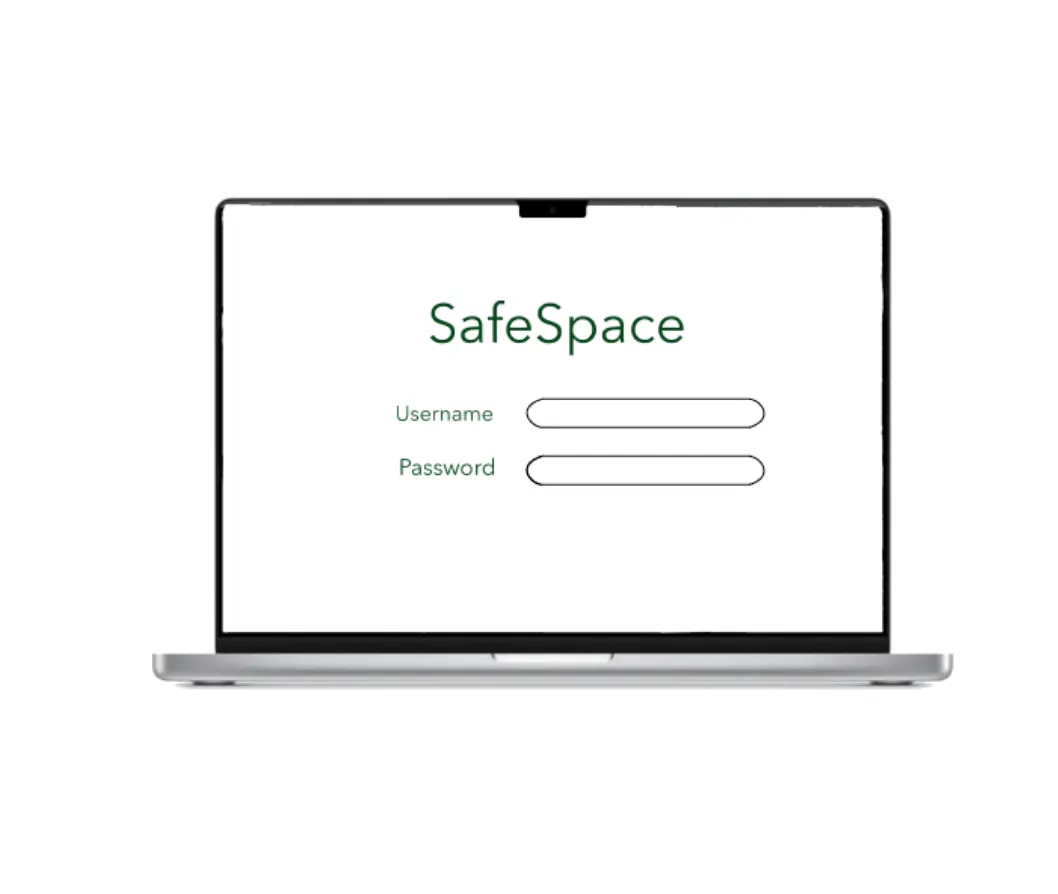
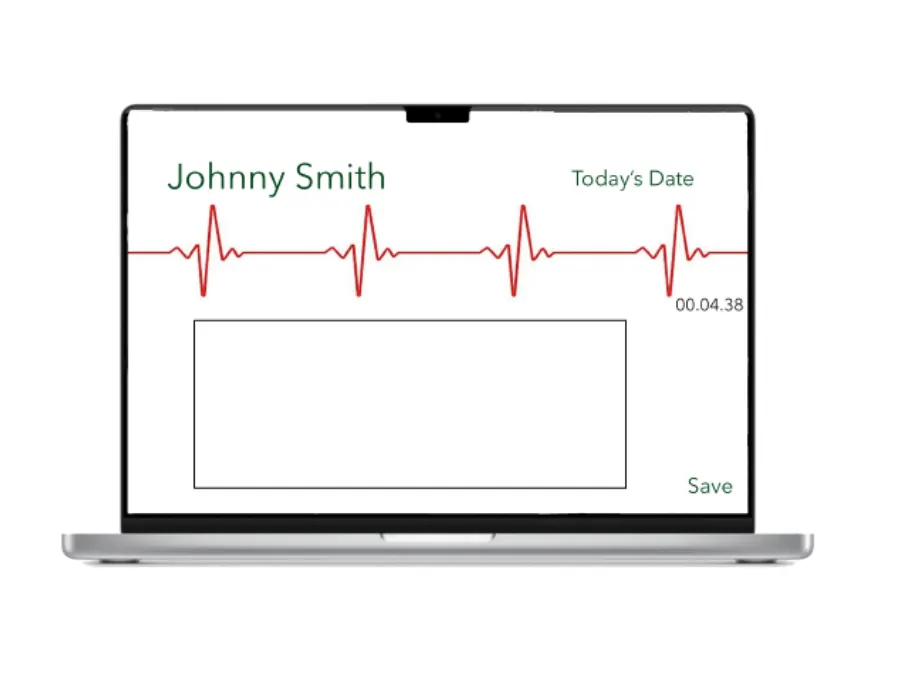
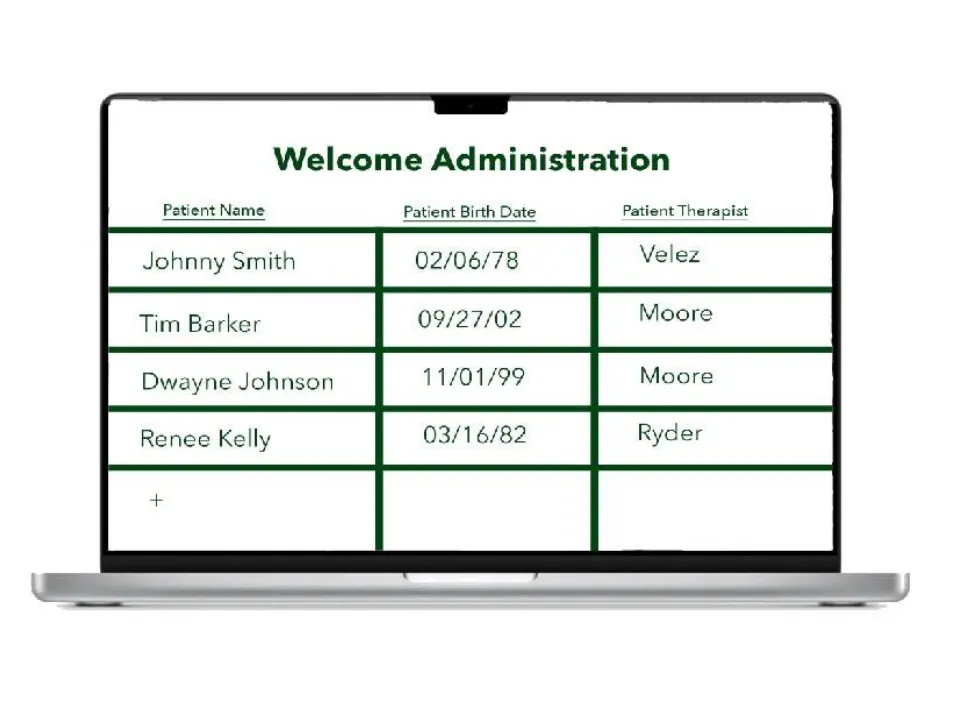
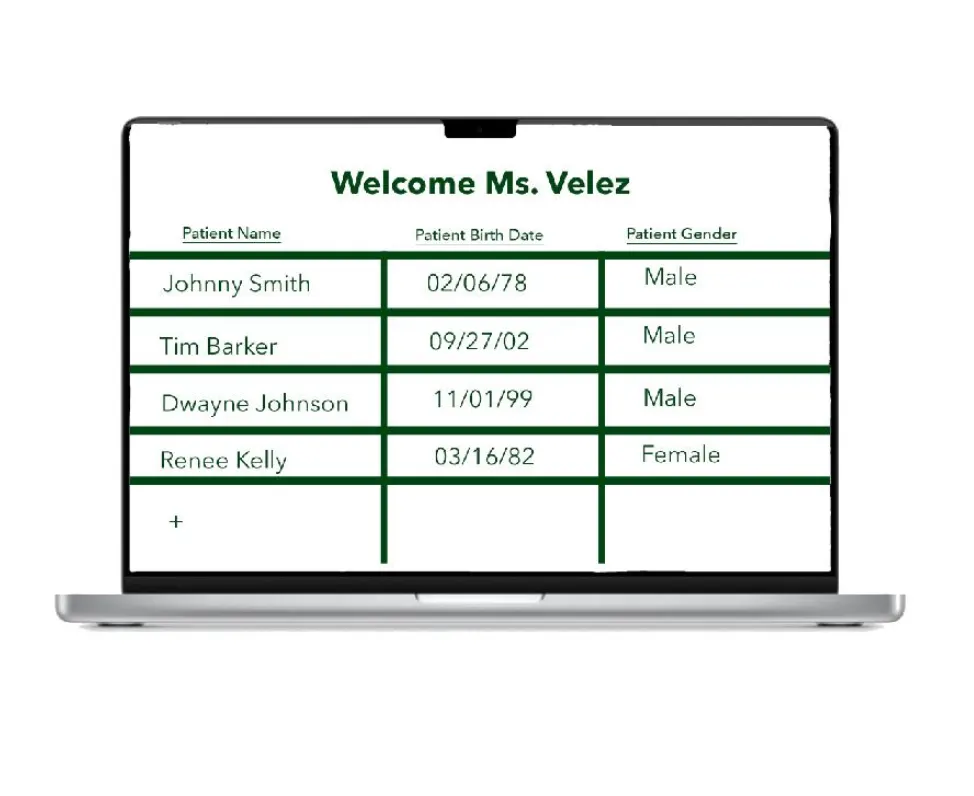
First screens for sign-in, session notes, the administrator's patient roster, the therapist's roster and a patient's history of notes.
- 05
Build
Abrianna Astane and Tahj Hightower built the Unity environments, and the team added player movement, the inventory and the object grid. Lauren designed and developed the iPad app in Swift and connected it to a MongoDB database hosted on AWS, with create and read working for patients and therapists.
- 06
Brand refresh
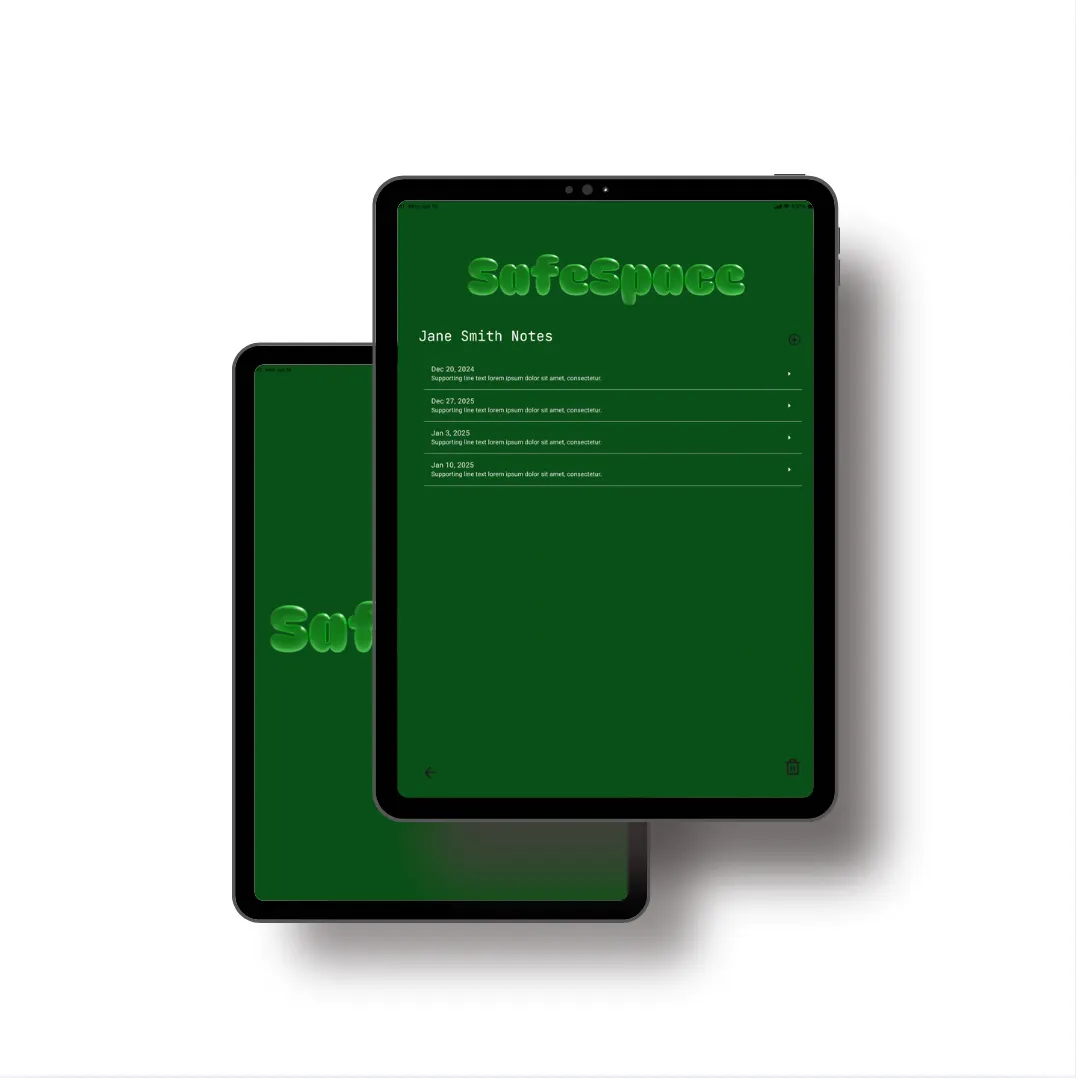
In February 2025 Lauren gave SafeSpace a full identity — a soft, inflated 3D wordmark, an app icon, a green palette and brand guidelines — and redesigned the iPad screens to match.
The work
The VR spaces
Three environments from the Unity build. Save and Inventory buttons sit in the corner, so a patient can add items and keep their space for the next session.

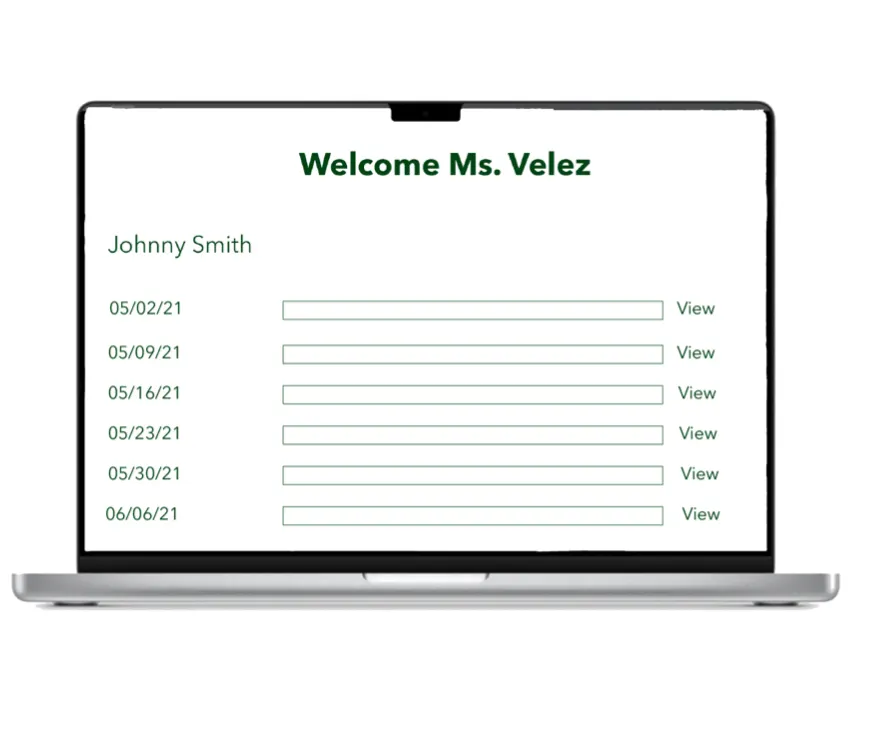
Therapist app: first wireframes
The first screens for the therapist side, drawn on a laptop frame before the app moved to iPad. Every name and date is sample data.
How the pieces connect
The database sits at the center. The Unity app saves and loads each patient's space; the iPad app manages therapists, patients and notes.
The 2025 identity
A soft, inflated wordmark and a bright green meant to read as calm and healing, carried into the iPad notes screens.


What it does
Build-your-own space
Patients pick an environment and drag furniture, plants and decor into it. The space is saved, so it is waiting for them in the next session.
Session notes
The therapist writes notes while the patient is in the headset, next to a running session timer.
Rosters by role
Each therapist sees only their own patients. Administrators see every patient in the practice and which therapist they see.
Read-only for administrators
Administrators can read session notes and update patient details, but only the therapist can edit notes.
Heart rate (planned)
The design called for an Apple Watch to stream the patient's heart rate to the therapist's screen, so they could tie reactions to topics.
Design system
Calm, supportive and a little playful: soft rounded forms and a green palette chosen for healing and clarity, kept simple so nothing on screen competes with the session.
#00FF00#004400#D4EAD4#DBD9DB#747572Type
A custom soft, inflated 3D lettering for the wordmark and headlines, paired with a clean sans-serif for body text, therapist notes and interface labels.
Inflated 3D lettering
The wordmark looks soft enough to touch, echoing the immersive VR side of the product.
Dark green screens
The iPad app runs on deep green so it stays quiet in a dim therapy room.
Plain lists
Notes are a simple dated list with one action per row, so the therapist never hunts for a button mid-session.
Timeline
Oct 2022
Proposal
Research into hypnotherapy and existing VR therapy tools, the two-part system and its requirements.
Dec 2022
Design document
Use cases, sequence diagrams, system architecture and the first therapist-app screens.
Feb 2023
Database and connections
A MongoDB database set up on AWS; the Unity environments being connected.
Mar 2023
Midterm
Unity environments, menus, physics, movement, inventory and the object grid done; create and read for patients and therapists working; notes and client-log pages in progress.
Apr 2023
Final report
The two apps and database documented with a user guide. Store release was out of scope.
Feb 2025
Brand refresh
A new identity, brand guidelines and redesigned iPad screens.
The outcome
SafeSpace reached a working build: three walkable VR environments with Save and Inventory controls, an iPad app for therapists, and a shared database behind both. It was not released to the Oculus or App Store.
For Lauren it was a lesson in designing for two people in one room — the patient who needs to feel safe and the therapist who needs to keep working — and in letting one real problem drive every decision.
More work
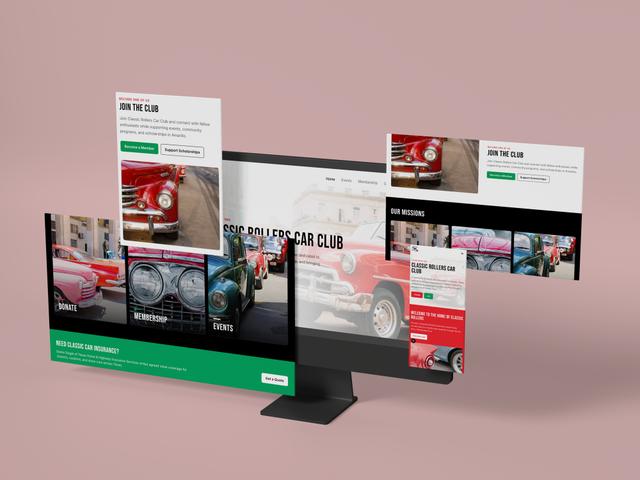 WebsiteClassic Rollers Car Club
 Photography2026 Graduation Pictures
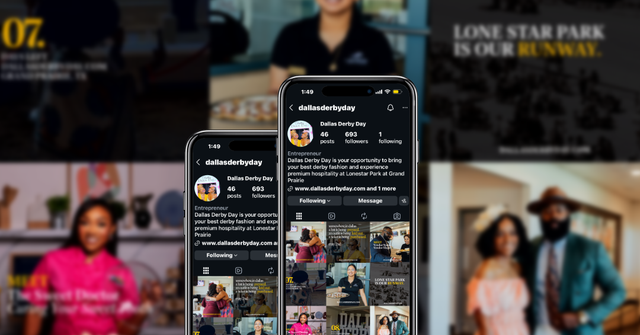 Social MediaDallas Derby Day
 Digital DesignBrewHaus
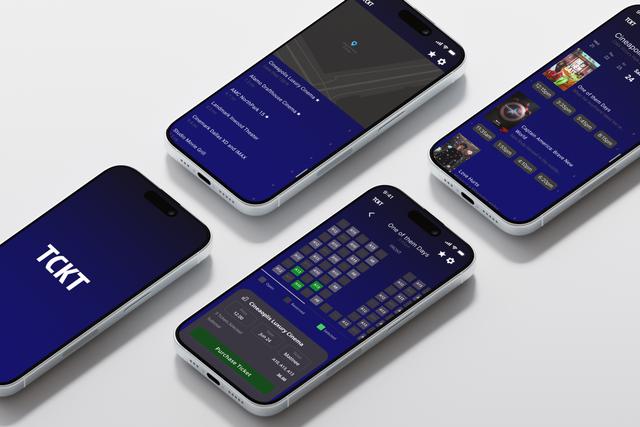 Product UXTCKT
 BrandingCurl & Co.
 BrandingDJ Mastamind
 BrandingThe Squeeze Shop
 BrandingThe Burrell Group
 UXSoulcheck
 Social MediaThrive Creative Studios Social Media Management + Graphics Creation
 Social MediaRoots to Wellness Social Media Management + Graphics Creation